A dedicated tool to make your seller.json building needs simplified. Follow each and every step metioned below and your seller.json file will be ready in a minute to implement.
Download excel template
Click on the below button and download the blank template to update your seller.json values. You can save this template locally with any file name but only in excel format.
Download TemplateUpdate seller data
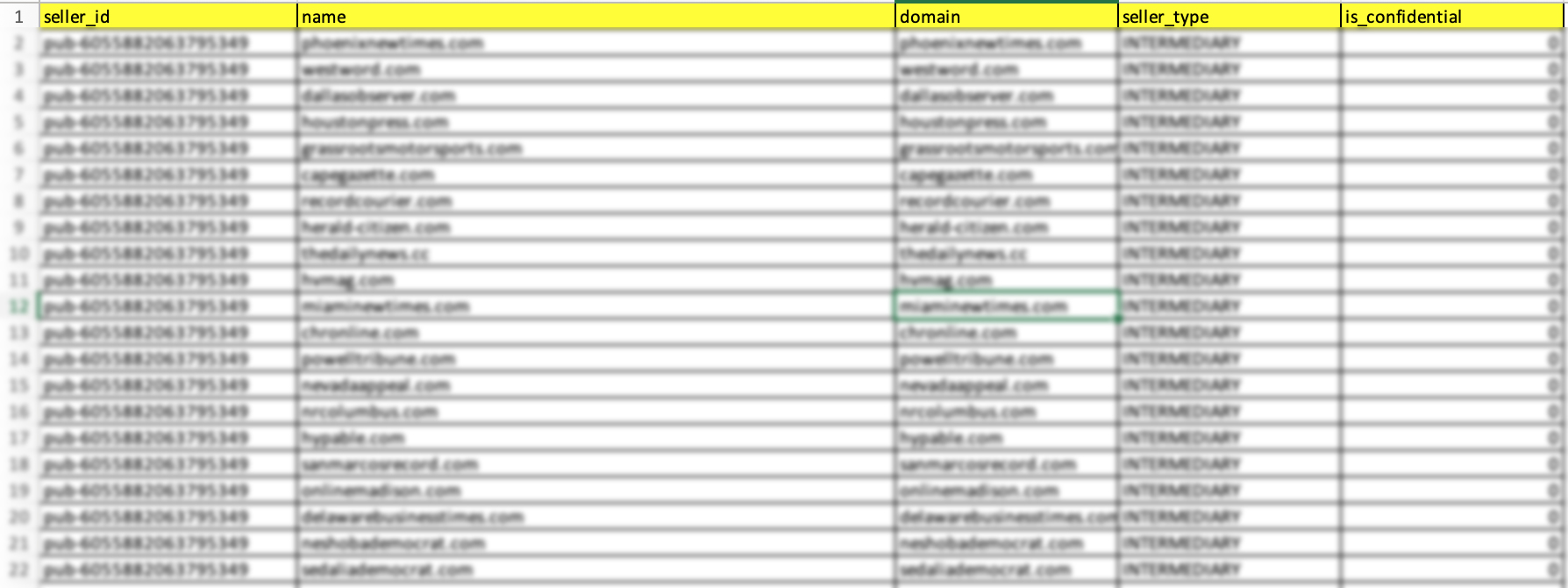
In this step, you need to collect all the values from your SSP platform (DFP - in case if you are working as an aggregator partner). Please make sure that you are not adding any extra spaces while entering the values.
Update excel
Enter the data carefully, as this data will be directly pushed to the seller.json and upload the file.
Download Seller.jason
Contact email –Enter the email id which you use for your daily communications. (Active email id)
Version – you can use this as a reference for your file
Address- Your company address
Identifier – This is a TAG_ID
Identifier value – Enter your releavant certification authority id
Ex Notice – this is just a note for your reference